How Build and Deployment Automation Transformed a Cloud-Based Healthcare Payer Platform
In today's ever-evolving healthcare landscape, payer organizations face immense pressure to rapidly develop new features, ensure regulatory compliance, maintain system stability, and control operational costs. While flexibility and scalability are afforded by cloud-based healthcare payer platforms, without an appropriate automation strategy, they can be complex, inefficient, and error-prone in no time.
This case study deals with how build and deployment automation transformed a highly modular, cloud-based healthcare payer suite to drive smooth releases, eliminate manual errors, and drastically reduce time and cost across environments.
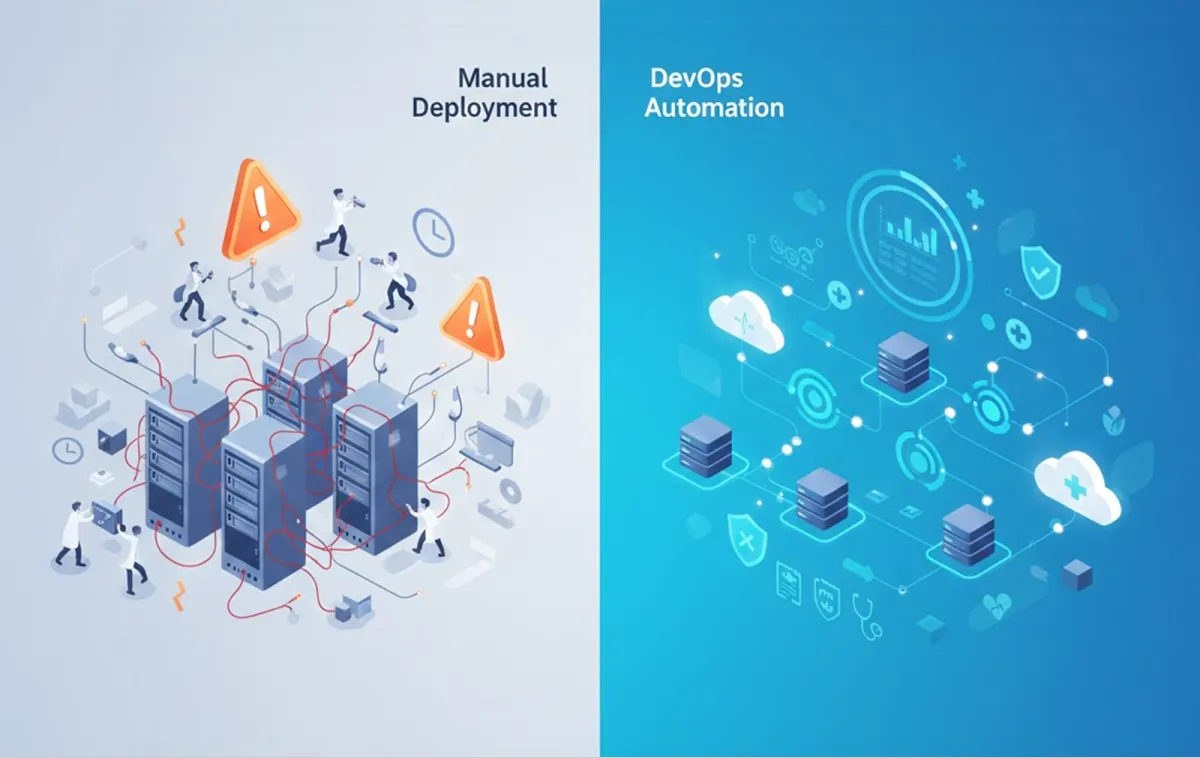
Overview: The challenge was manual deployment in a complex cloud ecosystem.
The given healthcare payer platform was a cloud-based, highly configurable solution to support real-time integrations across multiple enrollment channels. As much as the architecture provided flexibility, it also brought a number of operational challenges.
The platform relied on:
Multiple applications and services
Diverse tech stacks
Different configurations of database and server systems
Multiple deployment environments: development, QA, staging, production
Key Pain Points
Before automation, deployment was typically done manually, with several critical issues that arose, including the following:
Time-consuming deployments across several environments
Frequent discrepancies between the environment and the configuration
Increased risk of human error during releases
Delays caused by manual approvals, rollbacks, and email-based coordination
Limited visibility into who triggered the builds or deployments
These challenges directly hit a healthcare environment that requires uptime, accuracy, and compliance for operations and business agility.
Business Requirement: End-To-End Deployment Automation
The identified need by the organization was to:
Implement an automated process that extends from the time the code is committed to production deployment.
Enable Environment Configuration Standardization
Standardize
Facilitate fast, reliable, and traceable deployments.
Minimize the requirement for human intervention.
Enhance cooperation and interaction between development and operations employees.
The objective was not only to automate, but to automate in a controlled, secure, and scalable manner that could meet the demands of a health system.
Technology Stack Used
For this purpose, the following technology stack was used:
GitHub helps you keep track of your code changes.
Jenkins automates the process of testing and deploying your code.
Amazon Web Services (AWS) provides powerful cloud resources for hosting and running your applications.
Puppet automates setting up and managing your systems.
Python supports creating applications and scripts.
MySQL handles all the data storage needs.
Apache serves as the platform for hosting websites, while Active Directory (AD) manages user access and security.
The Solution: CI/CD Automation using Jenkins, AWS, and Puppet
1.Jenkins-Focused CI/CD
Jenkins was integrated with GitHub to act as the central controlling hub for all build and deploy tasks. With every code commit, the automatic pipeline tackled the following:
Code checkout
Building execution
Artifact Generation
Deployment to target environments
In essence, this made the builds automatic, thus eliminating the need for manual build procedures.
2. Automated Infrastructure Provisioning on AWS
With Jenkins Pipelines, AWS instances could be automatically generated for configuration as part of the deployment process. This made it possible:
Environment creation based on demand
Scalability with reduced time
Less need to physically install servers by hand
Infrastructure automation helped to ensure consistency, repeatability, and reliability of environments.
3. Configuration Management Using Puppet
Puppet was instrumental in eliminating the problem of configuration drift. It automated the following:
Server configuration
Application setup
Environment-specific parameters
In other words, they removed the conflict of mismatches in the deployment environment, which was one of the causes of deployment failure.
4. One-Click Deployments Across Multiple Environments
Using the Jenkins pipeline plugins, the artifacts could be deployed to multiple environments with a single click. This eventually reduced the release cycles drastically and also simplified the promotion from development to production.
5. Active Directory: Securing Access and Governance
An Active Directory plugin was integrated into Jenkins to:
Authenticating users
Track who initiated builds and deployments
Enforce role-based approvals
This was especially critical for healthcare compliance, providing auditability and controlled access.
Results: Specific Time, Cost, and Efficiencies Achieved
There was an immediate and measurable effect from build and deployment automation.
Main Advantages Acquired
✅ Fast Deployment Cycles
Deployment times could now be accomplished in minutes when they used to take hours or days.
✅Reduced Errors and Rollbacks
Automated, repeatable processes removed the potential of human error and decreased the number of failed deployments due to differences in configurations.
✅Enhanced Transparency and Accountability
Jenkins offered a centralized dashboard on which there was a complete overview of:
Developer tools
Deployment history
User Actions and Approvals
✅Improve DevOps Collaboration
Automation filled the communication gap between development and operations, thus ensuring an overall collaborative culture in DevOps.
✅ Cost Optimization
In Lower manual intervention, rapid deliveries, and efficient use of cloud resources helped the organization achieve substantial cost savings.
Why Automation Is Critical for Healthcare Payer Platforms
Healthcare payer systems must balance speed with compliance, stability, and security. Manual deployment processes simply cannot scale to meet these demands.
Build and deployment automation enables:
Faster innovation without compromising reliability
Standardized environments across teams
Secure, auditable release processes
Scalability to support future growth
For cloud-based healthcare platforms, automation is no longer optional—it’s a strategic necessity.
Key Takeaways
CI/CD automation dramatically improves deployment speed and reliability.
Jenkins, AWS, and Puppet form a powerful automation ecosystem.
Configuration management is essential to eliminate environment mismatch.
Secure access and audit trails are critical in healthcare environments.
Automation delivers tangible business value through time and cost savings
Final Thoughts
This case study demonstrates how a well-designed build and deployment automation strategy can transform even the most complex healthcare payer platforms. By eliminating manual processes and introducing scalable DevOps practices, organizations can improve agility, reduce risk, and deliver better outcomes for both the business and its members.
If your healthcare or enterprise platform is still relying on manual deployments, now is the time to rethink your approach - and unlock the full potential of cloud automation.